I asked Claude.ai and ChatGPT to read my inbox. They choked at 50 messages. So I built the local one.
Pete Gypps20 May 2026 · updated 09 October 2026
15 min read2,802 words
Cloud AI can connect to your inbox. It cannot actually read it. Here is what happened when I gave up waiting for the vendors to fix that, and built a local-first AI assistant for my own mailbox on an M5 Max, 125,000 messages, a knowledge graph, all the AI inference running on my own machine, and the things you only learn when you try.
One Mac, 125,000 messages, all the AI inference running on the machine itself.
A few months ago I sat in front of one of the big consumer AIs (names omitted, but you can guess) and clicked the shiny new button that promised to connect it to my email. I run a tech business. I have years of correspondence with clients, suppliers, councils, contractors, my accountant, HMRC, the people I owe money to and the people who owe money to me. Twenty-five gigabytes of it, sat in Microsoft 365. I wanted the AI to do the thing every AI demo of the last three years has promised: read my inbox, find the threads I have dropped, draft replies in my voice, surface the work I have forgotten to chase.
The connector authenticated. The AI loaded a model. It asked me, politely, what I would like it to do.
“Find me the open commitments I have made over the last six months that I have not delivered on,” I said.
It searched my inbox. It returned three results. All from the last fortnight. None of them were the actual ones I knew I had forgotten about.
I changed the query. I changed the dates. I asked it to look further back. I watched the spinner. I watched the spinner. I checked the cost dashboard. I had spent two pounds, retrieved fifty-three messages, and gained the deep insight that I had once promised someone a Zoom on a Tuesday.
The AI was not broken. The AI was doing exactly what cloud AI on top of an email connector can do, which is: read a tiny slice of my inbox, ferry that slice through a context window of tens of thousands of tokens, charge me for the round-trip, and hand me back something that vaguely smells like answers.
I have 125,000 emails. The AI was working from fifty.
The thing nobody tells you about AI on top of email
Every demo you have ever seen, of every AI on top of an email connector, is doing one of two things.
It is either reading a truncated window of messages (your last day, your last week, your last twenty unread) and pretending it has seen the whole picture. Or it is doing per-query retrieval against a vector index that someone built once, in a hurry, with a chunking strategy that someone else’s intern designed for a different product entirely.
The vendors will tell you it scales. It does not scale. The math is unkind:
Microsoft 365 caps mailboxes at 50GB on standard licences and 100GB on enterprise, a busy business fills a meaningful chunk of that over the years
An HTML email is between 5KB and 50KB of raw markup, mostly footers, signatures and tracking pixels
A frontier-model context window is around 200,000 tokens, on a good day
One thousand emails is between five and twenty-five million tokens
So the cloud model never gets to see your inbox. It gets to see a postcard summary that some sub-system, written by someone you have never met, decided was relevant. Then it pretends.
And the pretending is the failure mode that matters. Because the value of an AI assistant on your email is not in answering questions about today. It is in knowing what you have forgotten. The lead that went cold in February. The commitment you made on a Friday afternoon in March that the client is now politely chasing. The supplier you keep meaning to switch away from but have been too busy to actually move. The project that has eight people Cc’d across forty messages spanning eighteen months, and you cannot remember who promised what to whom.
“You cannot retrieve what you do not know to ask for. And the cloud model does not know to look for the project from March, because it has never seen March.”
I sat with this for a while. I priced out the alternatives. I looked at the few products that claim to do “full inbox” AI. They either ship your data to a third party, which is a non-starter for an IT services business with client confidentiality obligations, or they charge per-message rates that put a 125,000-email mailbox at four figures a month, and they still cap context at the model’s window.
I had a different problem available to me. I had recently bought an M5 Max MacBook Pro with 128GB of unified memory. The same Apple Silicon that runs Logic Pro on a stage, runs Stable Diffusion on a desk, runs Final Cut on set. The same silicon that, with Apple’s MLX framework, runs 30-billion-parameter language models at speeds that genuinely change the calculus of what “local AI” means.
So I built it.
What “local-first AI” actually buys you
Let me be precise about the word “local”, because tech marketing has laundered it into meaninglessness. Local does not mean “the inference happens on a server in our region”. Local does not mean “we do not train on your data, we promise”. Local does not mean “the connector runs in your VPC”.
Here is what changes when you commit to it. You can index your entire mailbox at full resolution. Every body. Every attachment. Every header. Every recipient. The thing the cloud AI was structurally unable to do becomes the default.
You can run inference on the entire corpus. Not a chunk. Not a window. Not the last fortnight. The whole thing. Want to know who you have promised what across the last three years? It is a graph query, and it runs in under a second.
You can draft in your actual voice. Not a generic “professional” tone trained on whatever LinkedIn corpus the model providers happened to scrape. Your voice. Your idioms. The way you sign off to your accountant vs the way you sign off to your auntie. Extracted from your own sent items by your own model.
And you can do all this with a privacy posture that is not “we promise” but “we cannot, by construction”. The model has no network. The audit log is HMAC-chained on disk. Every action is recorded. Every send is human-reviewed by default. The architecture is hostile to the kind of accident that turns into a breach notification.
What we built, briefly
The product is called COR Personal Assistant. It is a Tauri 2 desktop application, React 19 frontend, Rust shell crate, wrapped around a Python pipeline that talks to Microsoft Graph for sync and write-back, and to a local LM Studio instance for inference. Six and a half weeks of evenings and weekends. Forty-eight signed and notarised builds at the time of writing. One private GitHub repo. Three documentation files I now treat as more important than the code itself: an architectural decision record trail, an append-only journal of what changed and why, and a living operator playbook.
Here is the stack, in one line each:
Microsoft Graph delta queries replaced IMAP entirely, better auth, native Focused / Other classification, server-side inferenceClassification overrides, photo endpoint, write-back via POST.
DuckDB: embedded analytical SQL holding every message’s metadata, body text and body HTML. Full-text search via FTS5. Sub-second queries on the full 125k-message corpus on Apple Silicon, no server.
LanceDB + Nomic embed-text-v1.5: local vector store. Every message body embedded into a 768-dimensional vector at ingest. Semantic search (“the VAT thing from March”) works regardless of whether the actual words appear.
Kuzu: embedded property graph database. Cypher query language. Stores extracted entities (people, organisations, projects, topics, commitments, money amounts) and relationships. About 250,000 nodes and 800,000 edges when the corpus is fully ingested.
MLX-LM via LM Studio: Apple Silicon-native inference. Currently running Qwen 3 30B-A3B Instruct at 4-bit quantisation, 8k context. Roughly 30B-quality at 3B-speed. The reason this entire project is feasible.
Tauri 2 + React 19: the desktop shell. ~10MB binary, native WebKit, signed with my Apple Developer ID, notarised via Apple’s notarytool. Looks like a real Mac app because it is one.
HMAC-SHA256 chained audit log: every classification, every draft, every guard-rail evaluation, every send. Tamper-evident. Key stored in macOS Keychain.
That is the engineering. The piece worth telling you about (beyond what is on the stack list) is how the machine stays cool enough to keep the model running. Because sustained inference on Apple Silicon is, fundamentally, a thermal problem.
Apple’s stock cooling is the bottleneck (and how I fixed it)
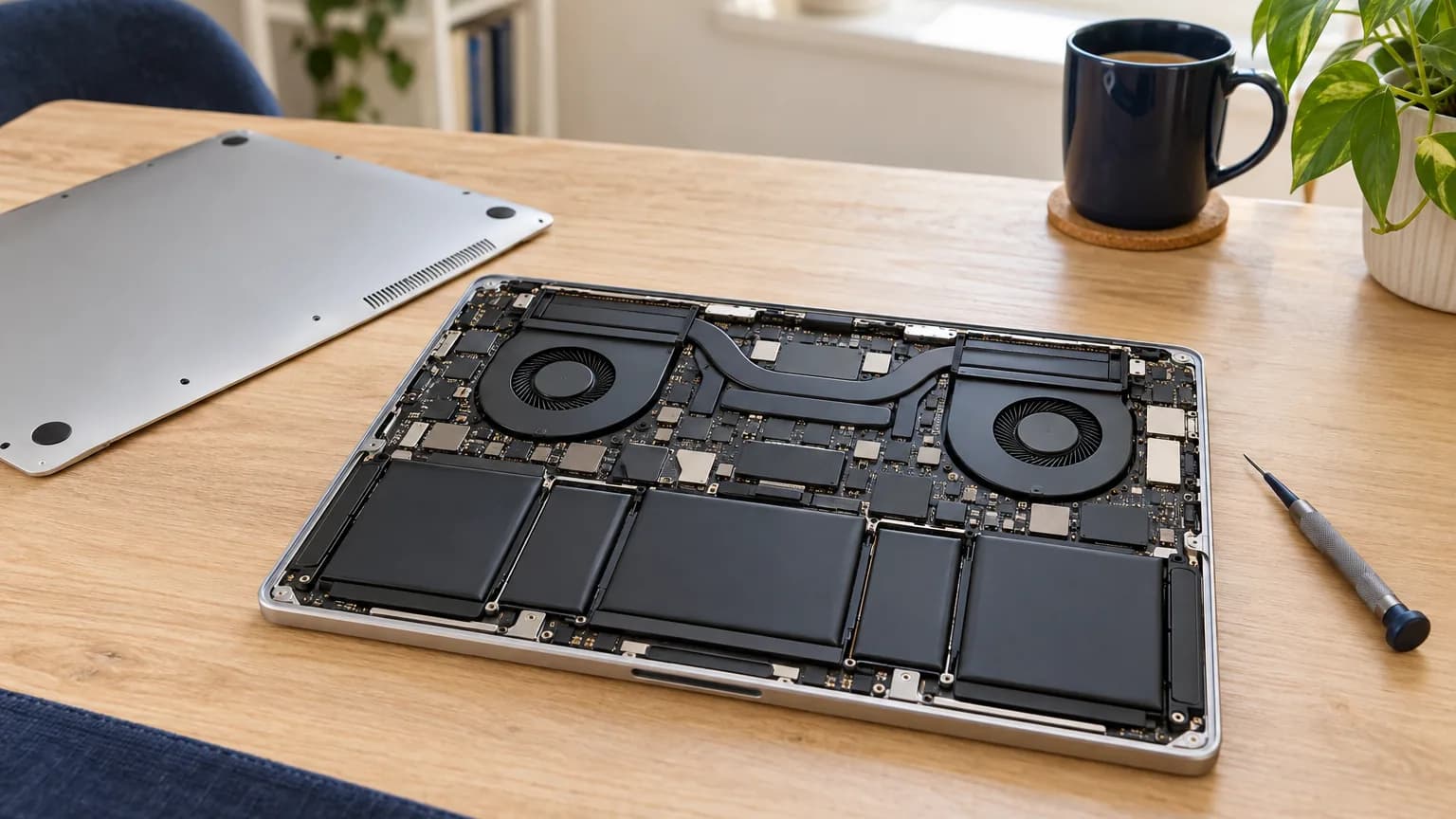
Heavy AI inference on a MacBook draws 100-plus watts on every token. The fans need to shed all of that heat or the silicon throttles down, and then so does the bootstrap. Apple’s stock cooling is tuned for an average user opening Final Cut for ten minutes, not a 30-billion-parameter model running flat-out for hours. The fans never quite open up. Throughput suffers.
I have worked around this for years with Macs Fan Control, the long-running third-party tool that knows how to push Apple’s fans harder than the stock curves allow. But when the M5 Max landed, at the time of writing none of the commercial fan-control tools had shipped a stable M5-aware release, only a beta on GitHub. So I built my own.
It is called COR Cool. Menu-bar app for Mac, reads every sensor on the machine, sets the fans aggressively when it actually matters, warns when an AI workload is drawing more than the 140W charger can supply, logs everything. It is running on the M5 Max keeping COR Personal Assistant’s bootstrap cool right now, which is more or less why this article is finished.
COR Cool keeping the M5 Max in shape during the bootstrap. Both fans at 3500 RPM (manual), every sensor below 51°C.
The full story of how COR Cool got built is a separate field note in the Made by COR section, including the undocumented macOS daemon that silently reverts user fan-control writes, and the one SMC key that quietly changed casing on M5. Worth a read if you have an Apple Silicon laptop and a Macs Fan Control habit. The very short version: Apple does not want you controlling your fans, but you can.
What it actually does
Right. Let me tell you what COR Personal Assistant actually does.
It syncs. Microsoft Graph delta queries, every minute by default. New messages arrive within the cycle. Deletions propagate. Folder moves, category changes, Focused / Other classifications all read live from the source of truth. The local DuckDB is an authoritative mirror of the server. When I delete a message from my phone, it disappears from COR Personal Assistant within the next sync. When COR Personal Assistant drafts a reply that I approve, it goes back to Graph as a real Microsoft 365 reply on a real Outlook thread.
It indexes. Every body is parsed, sanitised, stored as both HTML and text, embedded into a 768-dimensional vector, scanned for entities. The full-text search index covers every message and every attachment that text-extraction handled. The vector index lets me search by meaning instead of by exact phrase. “The boiler thing from March” finds the right messages even if I originally wrote “the heating issue at Bedford”.
It graphs. Every person, every organisation, every project, every topic, every commitment, every money amount mentioned across the corpus is a node in a Kuzu property graph. Edges encode mentions, who sent what to whom, who participates in which project, who works at which organisation, who committed what to whom by when. The graph answers questions the message-list view cannot: “What is open with this client?”, “Which projects has Alice contributed to?”, “Did Bob’s promised quote ever arrive?”. These are Cypher queries that complete in milliseconds.
It drafts. A reply context fetches the five most semantically-similar past replies from my own sent items, looks up my voice profile (extracted from a sample of my sent corpus, sentence length, opener and closer patterns, formality per recipient class), assembles a structured prompt, sends it to Qwen, returns a candidate reply. The candidate appears in an approval queue. I review it. If it is right, one click sends it. If it is wrong, I edit and send, and the edit is captured for future style refinement.
It refuses to auto-send. By default, nothing auto-sends. Every action is human-reviewed. The architecture supports auto-send templates, but the auto-send pathway is locked behind a deterministic guard-rail engine (not a model prompt) that evaluates each candidate against rules I write. Whitelisted recipients only. Below a word-count threshold. No veto keywords (questions, prices, dates, commitments). Within working hours. Reply-only, never new-thread. Confidence above 0.95 on the intent classifier. All conditions ANDed.
It surfaces. The opportunity-scan view queries the graph for open commitments past their deadline, unanswered questions, threads where I made a promise that the recipient has not chased, leads that went quiet after a specific stage. This is the feature the cloud AI could not provide because it had never seen the corpus. The local AI provides it as a sidebar update, refreshed nightly.
It audits. Every classification, every draft, every guard-rail evaluation, every approval, every send goes into an HMAC-SHA256 chained audit log. Each line’s HMAC is computed over the previous line’s HMAC plus this line’s content, using a 256-bit key stored in macOS Keychain. Tamper with one line, every line after it fails verification.
Why this matters beyond email
I built COR Personal Assistant to fix an email problem. The reason it works, the reason it is feasible to build a serious AI system that operates on a quarter of a terabyte of correspondence and never sends a byte off the machine, is the same reason that lots of other things you currently outsource to the cloud are about to become feasible to do locally.
Apple Silicon is not just fast laptops. It is the first widely-available consumer hardware where running 30B-parameter language models is a default operation. The M5 Max with 128GB of unified memory can keep Qwen, the embed model, DuckDB’s working set, and a Tauri app’s render process all in working memory simultaneously, without swapping. The thermal envelope for sustained inference is real but manageable. The Metal Performance Shaders backend through MLX is fast enough that the marginal cost of a query is, for practical purposes, the electricity bill.
If you are running an IT services business, a legal practice, an accountancy firm, a small medical clinic, anything where data sensitivity matters and where the volume of correspondence is large enough to defeat cloud AI’s window, the architecture in COR Personal Assistant is the architecture you want. Local sync from your source of truth. Local index. Local vector store. Local graph. Local inference. Cloud as the canonical store; local as the brain that operates on it.
The hard problems are not technical. They are: deciding which decisions stay deterministic and which delegate to the model. Designing guard rails that are evaluated by code rather than expressed as prompts. Building audit chains that survive corruption. Treating privacy as a structural property of the system instead of as a policy slide in your information governance document.
What is next
The bootstrap is currently 40% complete. Around 50,000 messages have been processed through the knowledge graph at the time of writing. The remaining 75,000 will be processed across the next several days, in three-hour sessions punctuated by battery recharge cycles. When it is done, I will have a knowledge graph of every relationship, every commitment, every project across roughly four years of correspondence. I will, for the first time, be able to ask my mailbox a question and have the mailbox actually know the answer.
After that, the work is no longer engineering. It is trust calibration. Watching the drafts. Seeing where the model gets the voice wrong, and feeding those corrections back into the style profile. Seeing where the guard rails over-block, and tuning the thresholds. The last 10% of any system that affects real work is calibration, and calibration is patient.
I built COR Personal Assistant because I needed it. I am sharing what I learned because the cloud is not going to fix the things I described, and the architecture that does fix them is now within reach of anyone with a recent Apple Silicon laptop and a few months of focused evenings. The vendors will eventually catch up. They will release “private AI” toggles that promise the same posture. Some of them will be honest. Some of them will not. Either way, you do not have to wait.
You have the machine. You have the model. You have the data. The only thing that was missing was somebody to ship it. Now it is shipped.
How a single hour with a new M5 Max and an MLX inference job sent me down a thirty-six-hour rabbit hole that ended with a custom fan-control daemon, a CFRunLoop power-event monitor, and the discovery of a macOS daemon Apple does not want you to know about.
Our native macOS app for running many coding agents at once: Claude Code, Codex, Cursor, Aider, Copilot and Windsurf side by side in one multi-pane deck, with sessions that survive closing the app.
I needed to give a UPS maintenance firm a reporting tool that worked offline, in a data-centre basement, on a laptop with no signal. The answer was a feature buried in Adobe Acrobat’s JavaScript API that has, I checked, exactly two YouTube videos explaining it.