
Synology NAS boxes: ransomware is locking files on ones that haven't been updated
 2 November 2026
Ransomware is locking files on Synology NAS boxes that haven't been updated. Synology says update DSM now and turn on automatic updates.
What happened
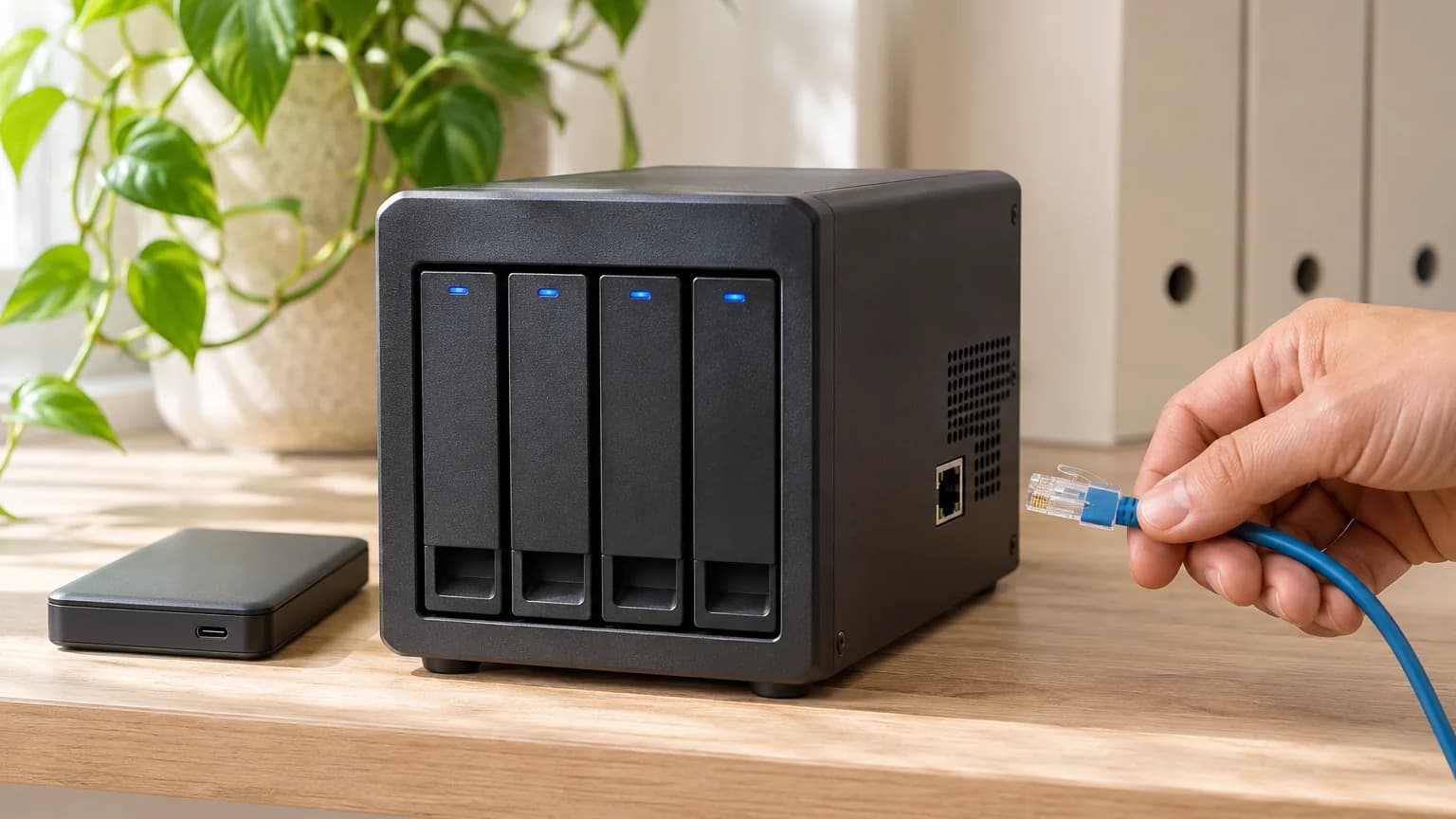
Ransomware called C3RB3R is locking the files on Synology NAS boxes, the small storage servers many offices use for shared files and backups. Synology said on 29/10/2026 that attackers are using a flaw it fixed in December 2024 against boxes running outdated versions of its software, DSM, and told everyone to update now. Chinese security firm 360, which has been helping victims, says the way in is two newer flaws that Synology fixed in September 2026. Locked files end in .L0CK3D and a note called read-me3.txt asks for money.
Does this affect you
Any firm with a Synology NAS, especially one you can reach from outside the office.
What to do
- Ask whoever looks after your NAS: "What DSM version is it on, and when was it last updated?"
- Update DSM to the newest version for your box today, and turn on automatic updates. For current models that means at least 7.4-90075, 7.3.2-86009-4, 7.2.2-72806-9 or 7.2.1-69057-12. Synology lists no workaround, so updating is the fix.
- If the box is on DSM 7.1 or 6.2, or on 7.2 without the 7.2.1 or 7.2.2 updates, Synology's latest advisory lists no fix for it. Synology's own support policy says DSM 7.1 and 6.2 have reached the end of their extended life and 7.2 left its maintenance phase in December 2025. Move the box to DSM 7.3 or 7.4 if it can take it. If it can't, take it off the internet and plan to replace it.
- Take the NAS login page off the open internet. 360 suggests reaching it through a VPN or the maker's relay service instead.
- Make sure you have a backup that isn't plugged into the NAS. The NCSC says the same: always have a recent offline backup.
Is it being attacked?
Yes. Synology says so, and 360 says it has had repeated calls for help from victims since October. If you find .L0CK3D files, unplug the NAS from the network and call your IT person before doing anything else. Don't pay: the NCSC does not condone paying ransoms and says paying is no guarantee you get your files back. Report Fraud says a business under a cyber attack should call 0300 123 2040 straight away.
Why it keeps happening
Synology says the flaw being used was fixed in December 2024. 360 says the two flaws it found were disclosed in September 2026, only about a month before the attacks. Either way, the boxes being hit are the ones that weren't kept up to date.
Found by
Both flaws named were found by people. Synology's 2024 advisory credits DEVCORE's Pumpkin Chang and Orange Tsai, Ryan Emmons and Team Smoking Barrels from Pwn2Own 2024. The September 2026 advisory credits named researchers including Lam Jun Rong and Viettel Cyber Security. Neither says Ai was used. 360 says it used its own Ai security tool to analyse the attacked boxes, which is how it investigated the attacks, not how the flaws were found. Tag: people.
For developers
- Which flaw: Synology's press release (29/10/2026) says a "vulnerability patched in December 2024" and points to Synology-SA-24:20 without naming the CVE. 360 (29/10/2026) says the entry point is CVE-2026-13639 (insufficient entropy in DSM login logic) and CVE-2026-13684 (improper output encoding in SCGI), both CVSS 9.8, fixed in Synology-SA-26:13 on 18/09/2026, and calls this a "1day" attack. The sources disagree; patching to the SA-26:13 builds covers both.
- SA-24:20: CVE-2024-10441 (CVSS 9.8, remote code execution in the system plugin daemon), CVE-2024-50629 (5.3, file read), CVE-2024-10445 (4.3, file write). Fixed in 7.2.2-72806-1, 7.2.1-69057-6, 7.2-64570-4, 7.1.1-42962-7, 6.2.4-25556-8.
- SA-26:13: eight CVEs. Synology says CVE-2026-13684, CVE-2026-13639 and CVE-2026-13635 "allow remote attackers to read or write arbitrary files, conduct denial-of-service attacks, or obtain non-sensitive information". Fixed in 7.4-90075, 7.3.2-86009-4, 7.2.2-72806-9, 7.2.1-69057-12. Mitigation: None. The table has no row for DSM 7.2 (7.2-64570), 7.1 or 6.2, so it neither says they are safe nor offers a fix.
- Synology Software Life Cycle Policy (updated 13/10/2026): DSM 7.4 maintenance to June 2028; DSM 7.3 (LTS) maintenance to October 2027, extended life to October 2028; DSM 7.2 end of maintenance December 2025, no extended life; DSM 7.1 (LTS) extended life ended June 2025; DSM 6.2 (LTS) extended life ended September 2024; DSM UC 3.1 end of maintenance May 2025.
- Ransomware behaviour (360): ChaCha8 plus RSA-2048, .L0CK3D extension, read-me3.txt in every encrypted folder, 27 system folders skipped. 360 names it a variant of the older Cerber family. Published IOC MD5: a1375e0f82ae86df528876c049b5a23c.
- 360's hardening list: don't port forward the DSM admin port, disable the default admin account, strong passwords, 2FA, auto block, immutable snapshots and a regular check that they are being made, an offline backup, firewall allow list, review Log Center for mass file changes, remove idle share links and unused packages and services, and do not pay.
- Not on CISA KEV (catalogue 2026.11.03, checked 04/11/2026). BleepingComputer (02/11/2026) reports Shadowserver tracks over 380,000 internet-exposed Synology NAS devices, without saying how many are patched.
Sources
- Synology press release, 29/10/2026
- Synology-SA-24:20, 05/11/2024, updated 28/03/2025
- Synology-SA-26:13, 18/09/2026, checked 04/11/2026
- Synology Software Life Cycle Policy, updated 13/10/2026, checked 04/11/2026
- 360 anti-ransomware alert, 29/10/2026 (Chinese), checked 04/11/2026
- NCSC: what you need to know about ransomware, checked 04/11/2026
- Report Fraud, checked 04/11/2026
- CISA Known Exploited Vulnerabilities catalogue, version 2026.11.03, checked 04/11/2026
- BleepingComputer, 02/11/2026, tip-off, used only for the Shadowserver figure
Read next
More from The Patch Wave
- Act today

iPhones, iPads and Macs: update today, Apple has patched a compression flaw already on the US exploited list
Apple's 09/11/2026 updates fix the Brotli flaw CVE-2026-111497, which CISA added to its exploited list on 27/10/2026, and an iMessage group chat flaw. Update iPhones, iPads and Macs today.
- Act today
Microsoft Outlook: November's updates fix a flaw attackers are already using
Microsoft says attackers are already using an Outlook flaw (CVE-2026-124194) fixed in this month's updates. Update Office and run Windows Update today.
- Watch

Hotmail and Outlook.com bounced some business email for nearly three days: Microsoft has fixed it
Microsoft says a faulty spam rule update made Outlook.com, Hotmail and Live wrongly block some email from 06/11 to 09/11/2026. It has rolled the update back. If your mail to those addresses still bounces, tell your IT person.